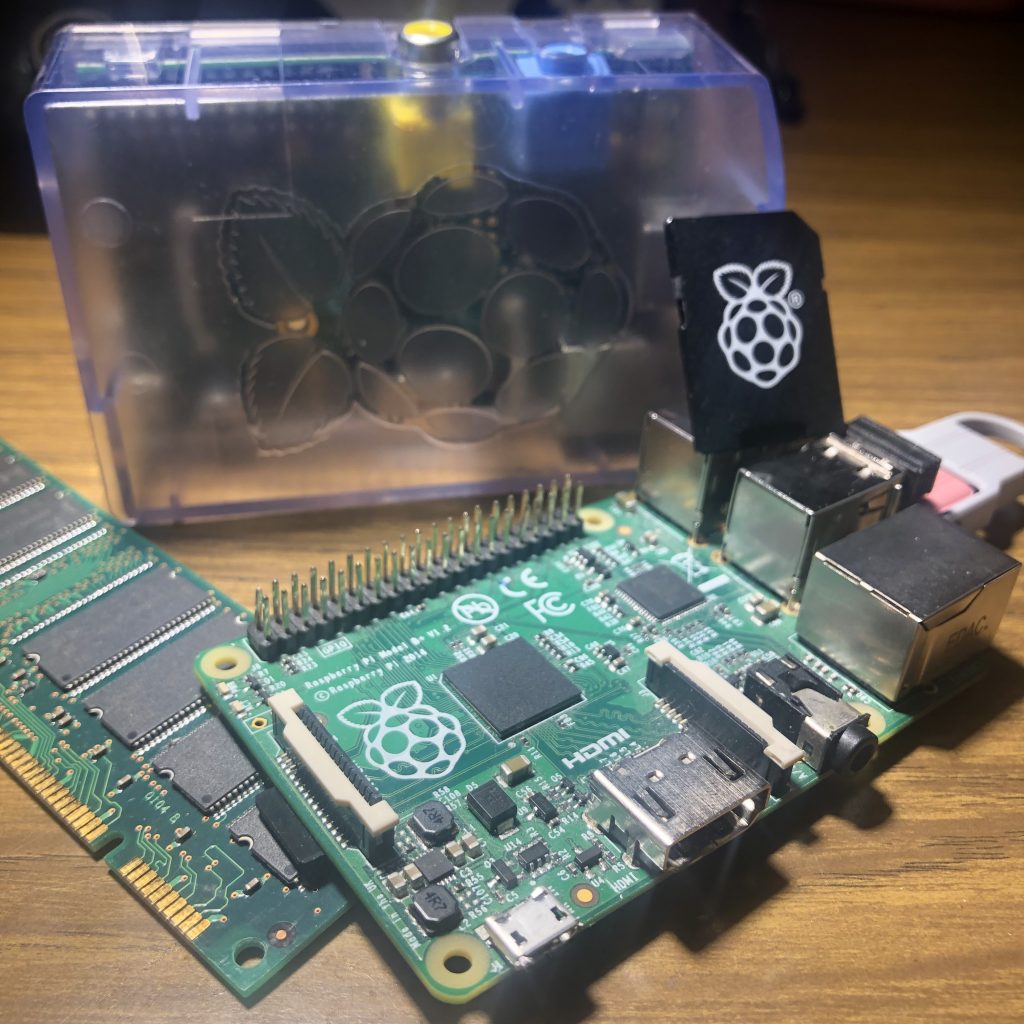
It sounds like you're excited about the possibilities of Raspberry Pi and want to share some project ideas with your readers. Let's dive deeper into each of these projects and explore how you can get started with them.
### Media Player with Plex
Plex is a fantastic media server software that allows you to stream your personal media collection to various devices. By running Plex on your Raspberry Pi, you can turn an old TV into a smart TV or create a dedicated media player for your living room. To get started, you'll need:
* Raspberry Pi (any model with HDMI output)
* Plex Media Server software
* External hard drive or storage for your media files
### Retro Gaming Machine with RetroPi
RetroPi is a popular retro gaming platform that allows you to play classic games on your Raspberry Pi. With RetroPi, you can:
* Play games from iconic consoles like NES, SNES, Game Boy, and more
* Customize your gaming experience with themes, controllers, and more
* Add your own ROMs or purchase them from authorized retailers
To get started with RetroPi, you'll need:
* Raspberry Pi (any model with HDMI output)
* RetroPi software
* External storage for your ROMs and game data
### Home Server
A Raspberry Pi home server can be used for a variety of tasks, such as:
* File storage and sharing
* Media streaming
* Home automation hub
To set up a home server, you'll need:
* Raspberry Pi (any model with Ethernet or Wi-Fi connectivity)
* Server software (such as OpenMediaVault or Nextcloud)
* External storage for your files and data
### Your Own Dropbox with Syncthing
Syncthing is a decentralized file synchronization tool that allows you to keep your files in sync across multiple devices. By running Syncthing on your Raspberry Pi, you can:
* Create a personal cloud storage solution
* Access your files from anywhere
* Share files with friends and family
To get started with Syncthing, you'll need:
* Raspberry Pi (any model with internet connectivity)
* Syncthing software
* External storage for your files
### Network Ad Removal with Pi-Hole
Pi-Hole is a network-wide ad blocker that can be run on your Raspberry Pi. By using Pi-Hole, you can:
* Block ads and trackers on all devices connected to your network
* Improve your network's performance and security
* Customize your blocklists and settings
To set up Pi-Hole, you'll need:
* Raspberry Pi (any model with network connectivity)
* Pi-Hole software
* External storage for your blocklists and settings
### Home Network Virtual Private Network with PiVPN
PiVPN is a simple way to create a virtual private network (VPN) on your Raspberry Pi. By using PiVPN, you can:
* Secure your internet traffic on public networks
* Access your home network remotely
* Encrypt your internet traffic
To get started with PiVPN, you'll need:
* Raspberry Pi (any model with internet connectivity)
* PiVPN software
* External storage for your VPN settings
### Brewing System with Craft Beer Pi
Craft Beer Pi is a brewing system that can be controlled and monitored using your Raspberry Pi. By using Craft Beer Pi, you can:
* Monitor and control your brewing process remotely
* Automate your brewing tasks and recipes
* Track your brewing data and statistics
To set up Craft Beer Pi, you'll need:
* Raspberry Pi (any model with internet connectivity)
* Craft Beer Pi software
* External sensors and equipment for monitoring and control
Overall, the Raspberry Pi is an incredibly versatile device that can be used for a wide range of projects and applications. Whether you're a seasoned maker or just starting out, there's something for everyone with the Raspberry Pi.